
20/10/2026 00:32
Counter Card or Café Referral? Telegram Invite Links for Cambodian Plant Nurseries

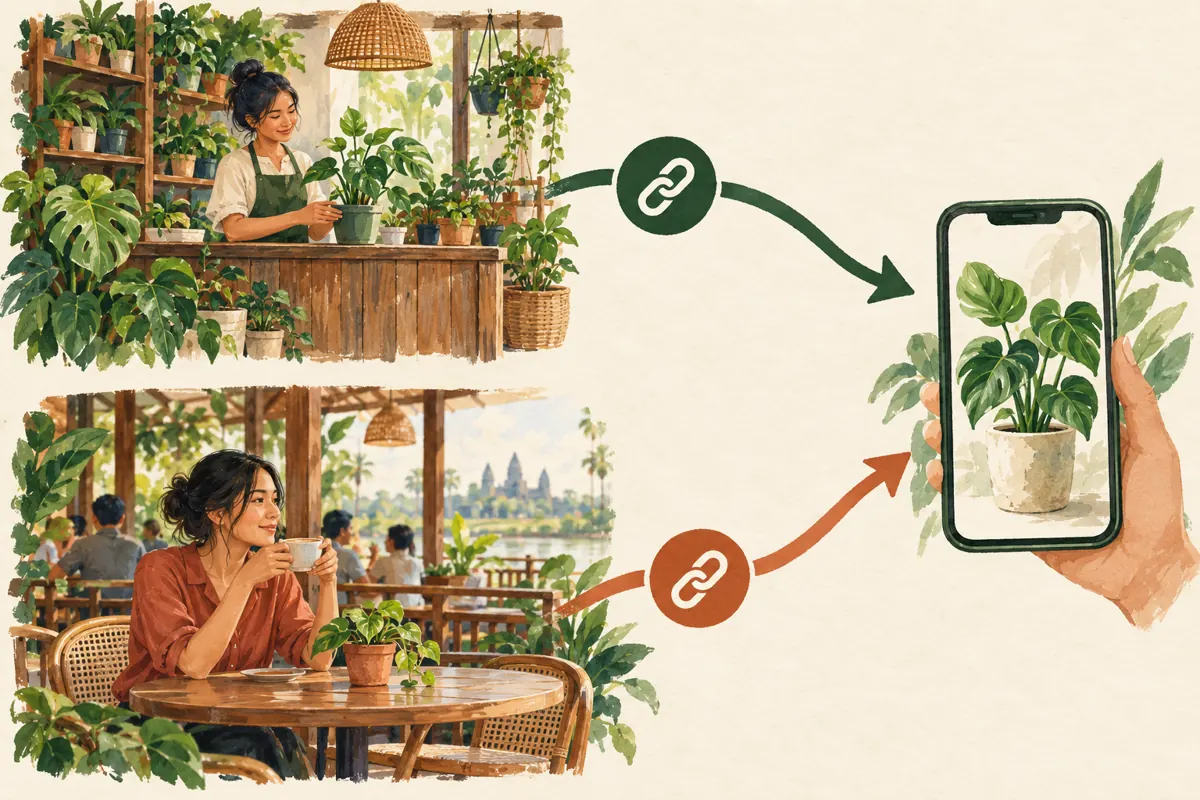
A Cambodian plant nursery might promote its Telegram channel at the checkout counter and through a nearby café that displays its plants. If both placements use the same invitation, a growing member total cannot tell the owner which route people followed. Separate invite links can make that question easier to investigate. They still cannot establish that someone lives nearby, wants to buy a plant, or will visit the shop. This workflow explains how to prepare two invitation routes, test them, interpret the evidence, and decide what to improve before spending more on promotion or considering an SMM panel service.
1. Define the decision before creating links
Start with a practical question: should the nursery keep its counter invitation, continue the café partnership, or revise the offer? Avoid the broader question of which promotion is best. A counter visitor already knows the shop, while a café customer may encounter it for the first time. Their reasons for joining can differ even when both invitations lead to the same channel.
In a hypothetical Phnom Penh nursery, the channel offers plant-care notes and occasional stock updates. The owner wants to understand which placement introduces people who later ask useful questions about suitable plants. Write that objective down before launch. Also decide what counts as a useful enquiry, such as a question about light conditions, pot size, availability or collection. This gives the review a business purpose without pretending every new member is a prospective buyer.
2. Prepare a destination that fulfils the invitation
Before distributing either link, inspect the channel as a newcomer would. Its name, image and recent posts should make the nursery recognizable. An invitation promising care guidance should lead to actual guidance, not a wall of unrelated offers. Prepare a clear introductory post explaining the content, the shop’s location and the contact route for product questions. Keep stock claims current and distinguish general advice from recommendations that require more information.
For Cambodian customers, choose language according to the people the nursery serves. A Khmer-speaking staff member should review customer-facing Khmer copy, while any English version should preserve the same offer and limitations. Do not make one placement promise discounts and the other promise free advice if the purpose is to compare placement. Differences in the offer would create another explanation for any difference in response.
3. Create and label a separate link for each placement
Telegram documents additional invite links for groups and channels, alongside the main invitation. It also supports unique names for additional links. Its published navigation starts at the group or channel profile, then Edit and Invite Links; the interface may vary by device. See Telegram’s official guidance at https://telegram.org/blog/autodelete-inv2 and https://telegram.org/blog/shared-media-scrolling-calendar-join-requests-and-more.
Create one additional link for the nursery counter and another for the café. Use descriptive internal names such as Counter Plant Care October and Café Plant Care October. Keep a simple record containing the exact link, intended placement, responsible staff member, launch date and review date. Copy each link directly from Telegram into that record. Do not manually reconstruct addresses or rely on remembering which invitation was sent to the partner. Ask the café to use only its assigned link during this review.
4. Choose link limits to match the invitation’s lifespan
Telegram supports additional invitations with duration or usage limits. Choose those settings around the actual promotion. A temporary café display may need a defined end date, while a permanent counter card needs a maintenance plan that prevents it from becoming an abandoned entrance. Record the intended closing time in Cambodia local time and check the setting displayed on the device used to manage the link.
A link limit is not a stock reservation system. In the hypothetical nursery, a limited invitation for a plant-care session would not by itself confirm attendance or allocate a seat. Keep any booking process separate. Likewise, do not impose a small limit merely to create a sense of scarcity around ordinary channel access. If customers need approval before joining, explain that delay and assign someone to review requests; otherwise, an unattended approval step can obstruct a simple information offer.
5. Test both routes before customers encounter them
Ask a colleague who is not already a member to open each invitation, with their agreement. Verify the destination name and the joining experience. An administrator opening a channel they already manage is not a sufficient newcomer test. If the colleague joins during testing, note that activity so it is not later described as a customer referral. Never ask them to provide their account password or login code.
Check the finished promotional material as well as the underlying link. For printed materials, test the actual printed code if you use one; for a digital café post, tap the final published link. Confirm that the surrounding copy explains what joining provides. In this hypothetical example, the invitation should clearly offer plant-care updates, rather than imply that opening Telegram places an order. Give the café a normal shop contact route for customers who cannot complete the process.
6. Compare placements with a consistent review window
Run both invitations over a stated period and record when each placement is actually available. If the café removes its display for renovations, note that interruption. If the nursery moves its card behind the register, record that too. These details matter because an invitation people cannot see has a different opportunity to attract attention. Keep the review simple enough that staff can maintain it during normal shop work.
At the agreed review time, record the joining activity associated with each link. Telegram documents that administrators can see which users joined through individual invitations. Treat this as evidence about the route used to join. Do not calculate a conversion rate from imagined foot traffic or treat total café customers as people who saw the card. Without a reliable exposure count, report the observed joins and the limits of the comparison.
7. Allow for forwarded links and incomplete attribution
A link assigned to the café can be copied into a friend’s conversation. A person who joins through it may therefore never have visited the café. Label your record as joins through the café link, rather than café customers acquired. This distinction lets the business describe what it observed without inventing the person’s journey. A placement name is an administrative label, not proof of geography or identity.
Customers can also encounter several promotions before joining. Someone may see the counter card, later receive the café link, and finally ask a question after a recommendation from a friend. If referral context matters to a conversation, ask an optional, ordinary question about where they heard about the nursery. Keep an unknown category when the answer is absent. Do not pressure people to explain their browsing history or publish lists of members as promotional evidence.

8. Keep SMM panel activity outside the referral conclusion
The supplied public catalogue includes the exact service name “Telegram Post Views [Last 1 Post]”. That title indicates a post-view service aimed at the last post, but the supplied description is empty. It provides no supporting detail about viewer location, identity, purchase intent or delivery method. It is not evidence that the panel offers a suitable referral campaign for a Cambodian nursery, and it should not be presented as official Telegram advertising.
If panel activity overlaps this exercise, record its dates and target separately. Purchased engagement is not evidence of genuine interest, sales, ad delivery or Cambodian users. A change in a post’s displayed views cannot establish that the counter or café invitation worked. For a clean initial comparison, avoid adding a purchased-engagement variable during the review. When considering any service later, assess the actual description, applicable platform rules and relevance to the business question before committing money.
9. Use enquiries to decide what deserves improvement
Review joins, customer questions and completed transactions as separate observations. In a hypothetical outcome, the café route might produce conversations about plants for shaded balconies, while counter visitors mostly seek aftercare for purchases already made. Both could be useful, but they serve different needs. The nursery could give the café audience a clearer introductory care post and make aftercare easier to find for existing customers.
If there are joins but few questions, inspect the contact instructions and the usefulness of recent posts before increasing promotion. If people ask questions but cannot collect the plants, clarify location and delivery arrangements. If almost nobody joins, check visibility, the invitation’s wording and whether the destination opens correctly. Select one meaningful adjustment for the next review. Changing the offer, location, language and channel content simultaneously makes it difficult to learn which change helped.
10. Close the review without leaving confusing material behind
At the end of the planned period, save a short summary of the placements, interruptions, observed joins, enquiry themes and unresolved questions. Avoid retaining member names when aggregate notes are enough. Give the partner a useful conclusion, such as which care topic customers asked about, rather than a claim that every recorded join became a local lead. Decide whether to continue the same invitation or prepare a clearly documented replacement.
Common mistakes include swapping links between placements, silently changing the offer halfway through, counting staff tests as referrals and leaving expired invitations on display. Remove or replace outdated material wherever the nursery controls it, and ask the partner to update its copy. Keep a fallback contact route visible. A tidy close matters because a customer encountering an old invitation should still be able to understand whether the nursery’s offer remains available.

Frequently asked questions
Does the café invite link prove that a new member is nearby?
No. It identifies an invitation route, not the member’s location. The link may have been forwarded, and the person may be researching for someone else. Ask about collection or delivery location when it becomes relevant to an actual enquiry, rather than assuming that everyone using the café link lives in its neighbourhood.
Can we compare the placements when we do not know how many people saw them?
Yes, but describe the comparison narrowly. You can record joining activity through each invitation during the review period and note display conditions. You cannot responsibly turn those observations into an exposure-to-join conversion rate without a credible exposure count. Use the findings to guide another practical test, not to declare a universal winner.
Should the nursery require approval for every new member?
Only if access control serves a real need and staff can handle requests. Telegram supports administrator approval for additional invite links. A freely available plant-care channel may not need that extra step. A restricted customer group could have a different purpose. Explain any approval requirement in the invitation so people understand why joining is not immediate.
What if an SMM panel order was already running during the comparison?
Document the service, target and timing, then limit the conclusion to what the records actually support. Do not attribute an overall view or membership increase to the local placements. If the overlap makes interpretation unclear, run another comparison during a period without that activity. Do not spend more simply to make the original results look stronger.
Should we make a new link for every individual customer?
Usually that adds unnecessary administration for this task. Placement-level links answer the question of which distribution route was used while keeping the record manageable. Create another link when there is a meaningful new placement or campaign to distinguish. Keep personal customer conversations separate from the aggregate promotion review.
Explore the current service catalogue, create an account, or ask a specific question through support tickets.
- Telegram: Auto-Delete, Widgets and Expiring Invite Links
- Telegram: Join Requests and Unique Names for Invite Links
Prepared with AI assistance. Illustrations explain the workflow and do not represent customer results.