
22/10/2026 01:09
Phone or Television? YouTube Device Reports for Cambodian Folding-Table Shops
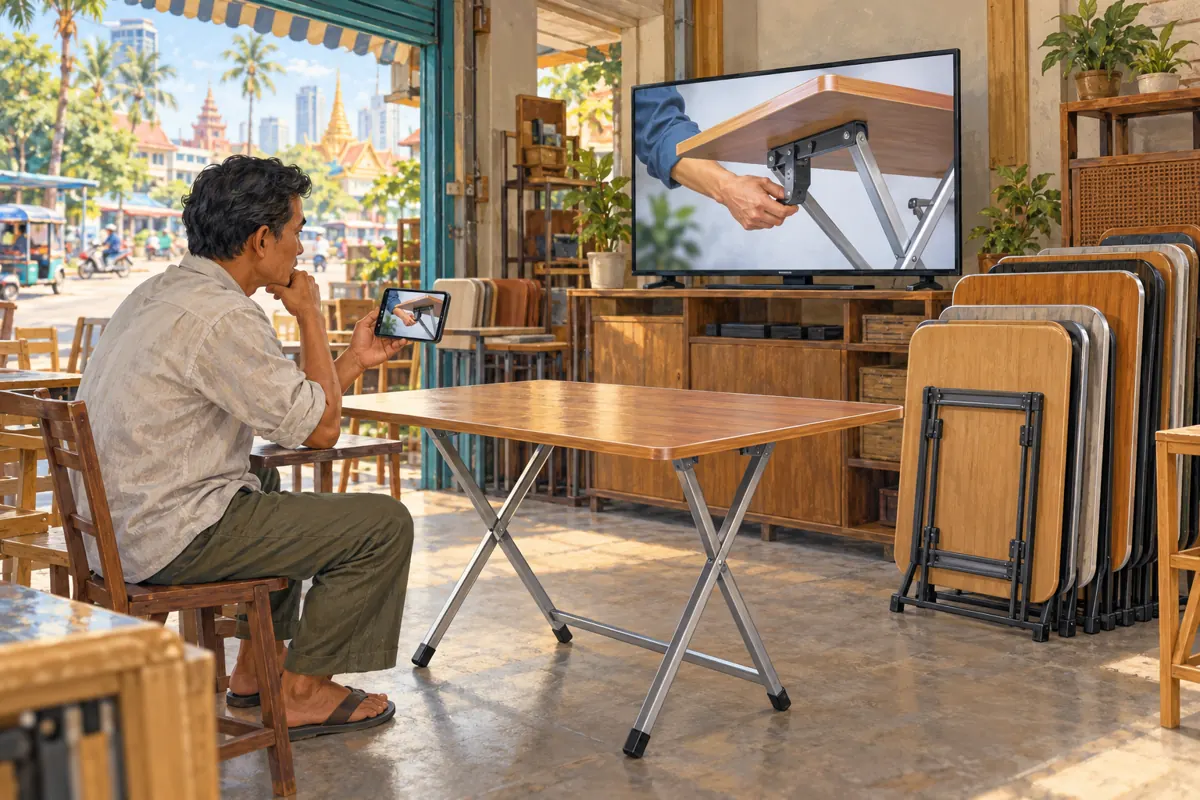
A folding table can look clear on the shop’s editing monitor while its locking brace disappears on a customer’s phone. The opposite problem also matters: someone watching across a room may understand the demonstration but miss a small enquiry instruction. For Cambodian furniture shops promoting products through YouTube, screen context deserves attention before spending more on distribution. A useful starting point is the Device type report, followed by a practical viewing test. This workflow explains how to turn viewing information into filming decisions, keep Cambodian customer requirements visible, and evaluate SMM-panel claims without treating engagement as proof of demand. The shop scenarios below are hypothetical, not customer results.
1. Start with the product question the screen must answer
Choose one question before opening analytics: can a viewer identify the brace that holds this table open? That creates a concrete review task. Asking whether the video looks professional is too broad; staff may disagree about music or colour while overlooking the mechanism customers need to see. Write the intended answer in ordinary language and identify the exact shot that demonstrates it.
For a hypothetical Phnom Penh shop, the promotion might concern a compact table intended for small dining spaces. The video needs to distinguish the open footprint, folded shape and relevant locking detail. These are separate visual tasks. A wide shot establishes the product, while a closer shot explains a feature. Device information helps decide where to concentrate testing; it cannot determine whether the table suits someone’s room.
2. Read the Device type report accurately
YouTube’s Audience documentation says Device type reports the percentage of watch time from mobile, computer, TV and tablet, and supports viewing this information by content type. In desktop YouTube Studio, open Analytics and then Audience. Record the report’s date range and scope alongside your observations. The official reference is YouTube Help’s “Understand your YouTube audience,” listed in the sources.
Use the reported measure exactly as labelled. A large TV share does not mean the same share of customers owns televisions or intends to purchase furniture. It describes viewing time. Someone can spend a long time watching without making an enquiry. Keep the first note descriptive, such as “check the demonstration from across the room,” rather than turning the report into a customer profile.
3. Choose a comparison that matches the demonstration
A channel may contain short product previews, longer setup demonstrations and recordings of shop events. Their viewing situations can differ. Avoid using an overall channel pattern to justify changes to every upload. Define the content you are evaluating first, then use the available report controls to inspect the closest relevant scope. If the interface does not provide your desired breakdown, record that limitation instead of inventing one.
YouTube’s Analytics guide describes Advanced Mode as a way to inspect more specific data, compare performance and export reports. It also notes that some reports are unavailable on mobile. For this shop workflow, keep a simple comparison note: selected content, date range, promotion activity and proposed filming change. Do not compare a newly shared demonstration with an older video circulated through entirely different channels and call the difference a filming result.
4. Run a phone test with an observable pass condition
Play the published demonstration on an ordinary phone at a comfortable viewing distance. Start without enlarging the picture or explaining what to notice. Ask a colleague who did not edit it to identify the table model and point out the feature being discussed. Record what they could identify, what required replaying and what remained unclear. This is a usability check, not an audience survey.
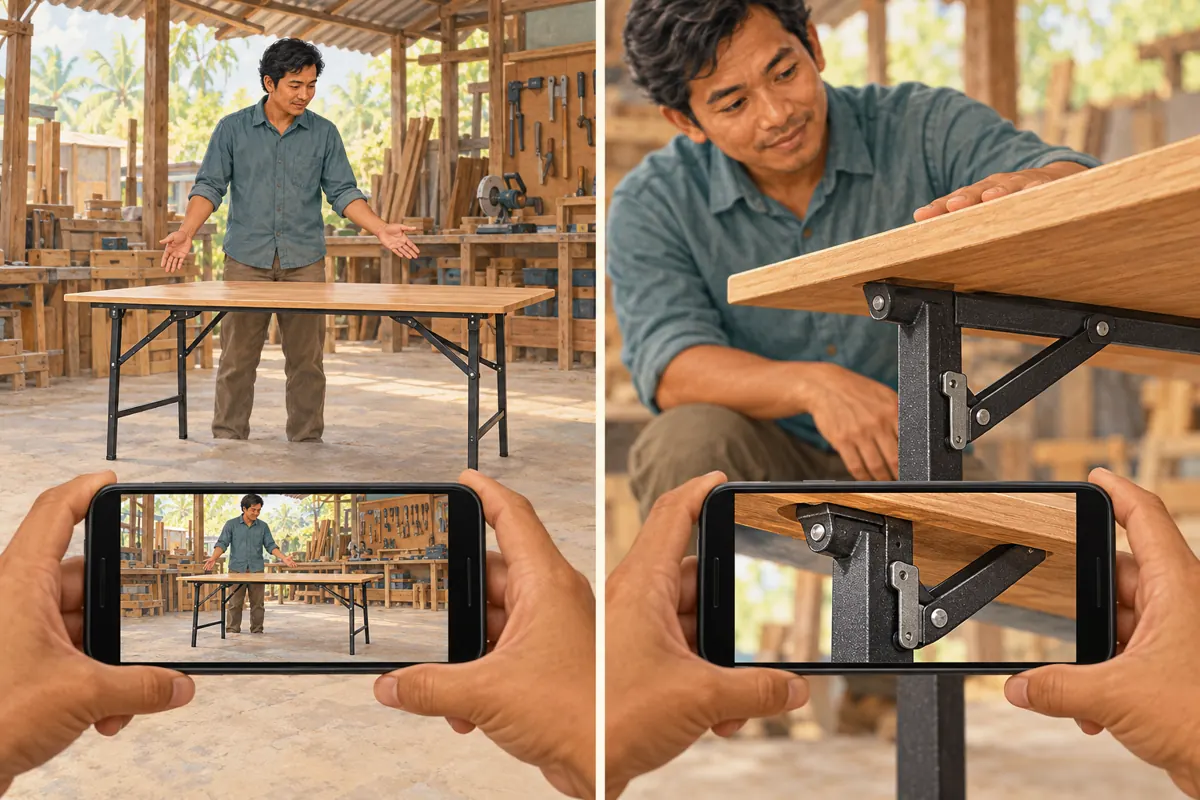
If the brace disappears against a dark background, improve separation and framing in the next recording. Show enough surrounding structure to establish where the detail belongs, then move closer. Keep the demonstrator’s hand from covering the feature. A larger caption cannot repair an obstructed view. Any operation shown should follow the actual product instructions; the filming exercise should never invent a universal locking procedure for different table designs.
5. Test larger screens without assuming they solve clarity
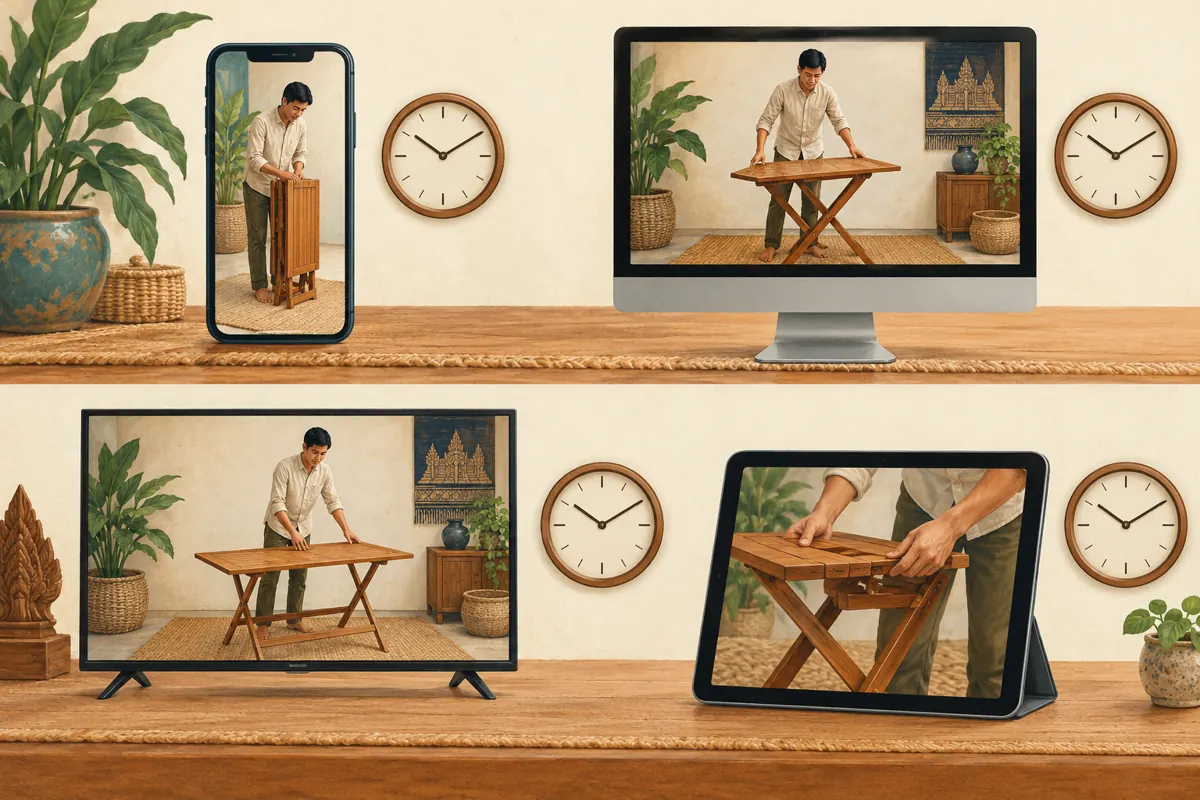
A television makes the image physically larger, but the viewer may sit farther away. Test from a normal seat rather than standing beside the display. Listen to the explanation and check whether the model identifier remains understandable. If a key instruction appears briefly in a corner, a larger screen may still fail to communicate it. Give the relevant visual and spoken explanation time to work together.
Check the next action too. In this hypothetical workflow, the closing message asks interested viewers to contact the shop with the table model and their delivery district. The shop should make that instruction easy to remember and provide an accurate public contact route. Do not assume a person watching on a television will immediately open the description or type a long address. Have a colleague rehearse the actual route independently.
6. Make the demonstration useful for Cambodian enquiries
Device categories do not identify a person’s language, delivery location or budget. Build those requirements into the content using facts the shop can verify. For a Khmer-speaking audience, have a fluent staff member review the spoken product terms and any Khmer captions. Keep the model identifier consistent across the video, product list and enquiry reply so that staff can identify the same item.
Show dimensions with the measurement direction visible, and distinguish the open size from the folded size. State delivery coverage only as confirmed by the shop. A viewer outside the service area may enjoy the demonstration, but that viewing does not establish a viable order. Ask for location during the enquiry rather than inferring it from device use. Product suitability, availability and delivery feasibility each need their own answer.
7. Turn the findings into one controlled filming change
Suppose the hypothetical shop finds that colleagues recognise the whole table on both screens but cannot locate the release point on a phone. The next production brief should request a clearer detail sequence. It should specify the feature, camera position, background and explanation needed. Avoid simultaneously changing the presenter, product, video length and offer if the team wants to understand whether the visual change helped.
Use a practical acceptance test: a reviewer unfamiliar with the edit can identify the feature and explain what the demonstration does and does not establish. The video may explain where a brace sits without proving a load rating or long-term durability. Preserve that boundary in narration. After the revised demonstration is ready, repeat the viewing task on both screens and note unresolved confusion before sharing it more widely.
8. Apply a policy and evidence gate to SMM-panel services
The supplied indonesia-smm.com catalogue includes “YouTube Like ~ Max 100k ~ 50k/days ~ Instant ~ 𝐍𝐎 𝗥𝗘𝗙𝗜𝗟𝗟”. Its title identifies a likes-related listing, but its description is empty. The title’s quantity, timing and refill wording should not be treated as independently verified delivery facts. It provides no supported basis for claiming Cambodian viewers, genuine purchase interest, a particular device audience or official YouTube affiliation.
YouTube’s fake engagement policy prohibits artificial increases in views, likes and other metrics. It also says a promoter’s actions can affect the channel. Apply that policy before considering a purchase; do not use artificial engagement to influence the report or make the demonstration appear popular. An SMM listing is not evidence of advertising delivery. If the method is unclear or conflicts with platform rules, decline it and direct the effort toward clearer content and relevant, permitted distribution.
9. Separate viewing observations, enquiries and confirmed orders
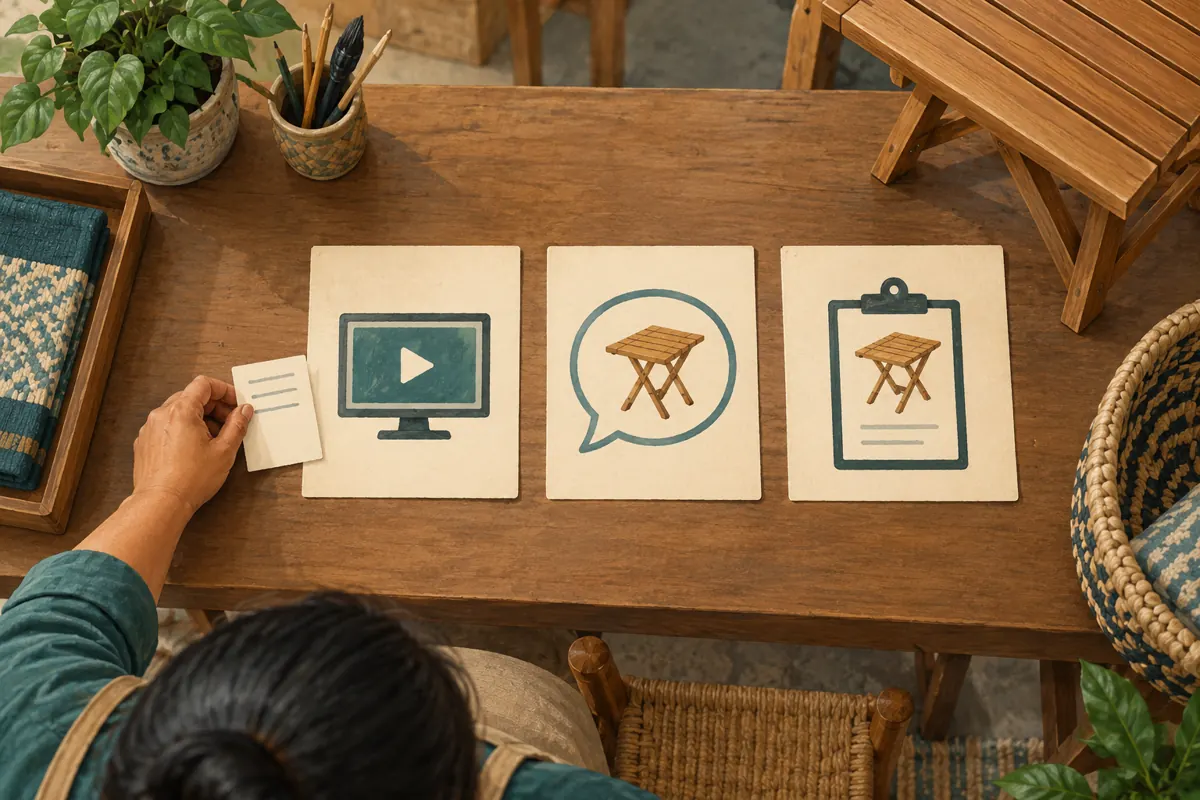
Maintain three distinct records. The viewing record describes the selected report and screen-test findings. The enquiry record captures voluntary customer questions, the requested model and relevant fulfilment details. The order record contains the shop’s actual confirmation. These records can inform one another, but a rise in viewing should not be copied into the order record as implied business success.
If customers volunteer that the demonstration helped them, record their wording accurately without presenting a few remarks as a general performance result. Purchased engagement is not evidence of genuine interest, sales, ad delivery or Cambodian users. If previous promotional activity makes interpretation uncertain, document that uncertainty. Do not attribute a change to one campaign merely because its dates overlap the report.
10. Review mistakes before expanding promotion
The most common analytical mistake is renaming watch-time share as customer share. Another is responding to a device pattern with an unsupported claim about income or geography. On the production side, teams often crop so closely that viewers lose track of the part’s location, or retain a beautiful wide shot that never explains the product. Check both context and detail before approving the edit.
Set the next review around a decision: keep the current framing, revise one confusing sequence or collect more observations. If there is little relevant data, run the viewing tests anyway and describe their limited scope. A shop does not need a confident audience theory to fix an unreadable model label. Expand distribution only when the video accurately explains the item and staff can handle the enquiries it invites.
Frequently asked questions
Should a high mobile watch-time share make us film everything vertically?
No automatic format change follows from that observation. First identify what the demonstration needs to show. A wide table may need a composition that preserves both ends, while a small mechanism needs a closer view. Test the intended edit on a phone before choosing a format. Screen category alone cannot tell you which framing communicates the product best.
What if the device report has too little useful information?
Treat it as insufficient evidence for an audience conclusion. Continue with a practical review on the screens available to the team, and record who tested the video and what they understood. Do not create a supposed device profile from a few observations. Improve obvious clarity problems now and revisit the report when there is more relevant viewing history.
Can device data tell us whether viewers are in Cambodia?
No. A phone, computer, television or tablet category does not establish location. For business planning, ask an interested customer for the delivery area when it becomes relevant to their enquiry. Keep that information private and separate from public promotional claims. Even a known Cambodian location would not establish product suitability, purchasing intent or a confirmed order.
Would buying likes help us evaluate the clearer demonstration?
Purchased likes would not answer whether someone could identify the mechanism or understand the enquiry instructions. They also raise the platform-policy issue described above. Use a comprehension task for visual clarity and genuine enquiry records for customer questions. Neither needs a larger public engagement count to become a useful source of operational feedback.
How can a small team review this without creating excessive paperwork?
Use one short review sheet containing the video reference, report scope, screen tested, observed difficulty and next action. Keep customer details in the existing enquiry system rather than copying them into the filming sheet. Assign one person to verify the revised sequence. Close the review when its specific acceptance condition is met, while retaining any unresolved product question for the appropriate staff member.
Explore the current service catalogue, create an account, or ask a specific question through support tickets.
- YouTube Help: Understand your YouTube audience
- YouTube Help: Get started with YouTube Analytics
- YouTube Help: Fake engagement policy
Prepared with AI assistance. Illustrations explain the workflow and do not represent customer results.