
22/10/2026 06:53
Packing Demo or Customer Address? YouTube Blur Checks for Cambodian Furniture Shops
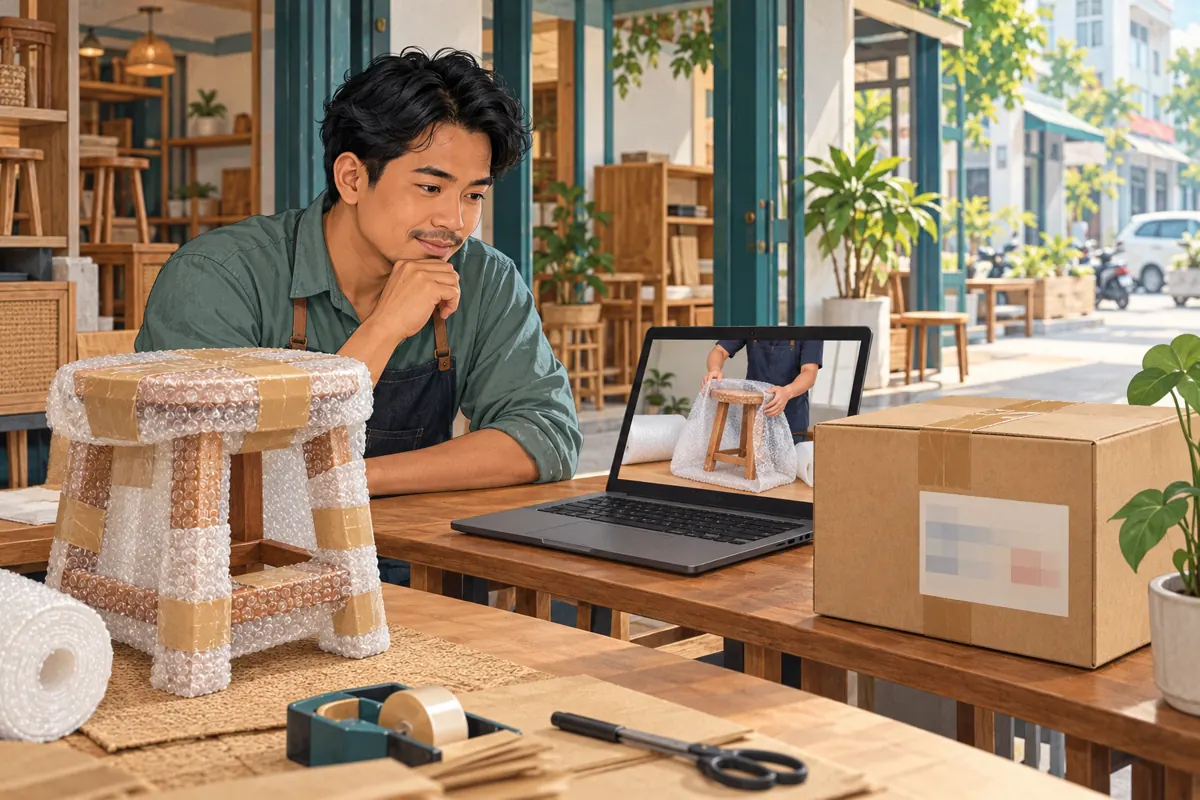
A furniture-packing video can answer a buyer’s practical question: how will the shop protect a stool, shelf or small table during delivery? The same recording can accidentally reveal a customer’s address on a carton behind the demonstration. For Cambodian shops promoting deliveries through YouTube, that creates an editing decision before the next promotional post. This guide explains how to identify exposed details, assess whether blur is suitable, review a moving label and preserve the useful lesson. It also explains why an SMM-panel listing should never replace content review or be treated as evidence of local demand. The shop scenario below is hypothetical, not a customer case study.
1. Define what the packing video should teach
Start with one question the footage should answer. In a hypothetical Phnom Penh furniture shop, the owner wants to show how protective padding covers a wooden stool before dispatch. The useful evidence is the placement of the padding, the wrapping sequence and the finished package. The customer’s name, telephone number and delivery directions contribute nothing to that explanation. Write this distinction into the editing brief so the reviewer knows which details must remain visible.
Choose the next action just as carefully. A suitable invitation might ask viewers to enquire about packing options for a particular item. Avoid suggesting that watching the demonstration confirms delivery availability, a booking or a damage-free journey. Those matters require separate confirmation. When the video has a narrow purpose, the team can judge whether a privacy edit preserves it. If the viewer can no longer see how the protective material fits, the edited video has lost its main value.
2. Make an exposure log before changing anything
Watch the whole recording once for the demonstration and again for background information. Inspect labels on every side of the package, paperwork beneath the wrapping, reflections and phone screens on the bench. Listen for a worker reading out a number or discussing a customer’s location. Ask a Khmer-speaking colleague to check handwritten notes and speech; an editor who cannot understand them may overlook information that is immediately meaningful to local viewers.
Record each problem using the time, object and required outcome. For example, a hypothetical entry could read: “Delivery label appears when the carton turns; conceal the entire label until it leaves the frame.” Do not copy the actual address into the review sheet. Note repeated appearances separately, including a later close-up or an opening montage. This creates a concrete review task without spreading the private information into another document. Assign one person to resolve the items and another to check them.
3. Decide between masking, removing the shot and refilming
Blur is worth considering when the sensitive detail occupies a small area separate from the useful action. A label on a background carton may fit that description. A label held directly over the padding technique does not. In the latter case, concealing the information could also conceal what viewers need to learn. Refilming a short demonstration with a plain package may be more effective than preserving a confusing shot.
Use three practical questions: can the detail remain concealed throughout its appearance, can viewers still understand the technique, and does the remaining picture or audio reveal the same information elsewhere? If any answer is uncertain, keep the clip out of the promotion queue. For footage already circulating, stop directing new viewers to it and address the exposed version promptly. Editing the shop’s copy cannot establish that nobody previously saved or shared it. Treat correction and future prevention as separate tasks.
4. Set up the appropriate YouTube Studio blur
YouTube’s official “Blur your videos” guide describes editing on a computer: open Studio, select Content, choose the video and open Editor. Under Blur, select Custom blur for an object such as a delivery label. Adjust the box, choose a rectangular or oval shape and set its duration. Track object allows the area to move; Fix blur position keeps it stationary. Face blur is a separate option for selected detected faces. These controls provide a starting point, not a completed privacy review.
Choose settings according to what happens on screen. A stationary sign and a rotating carton present different problems. Leave enough coverage around the sensitive area to accommodate movement without unnecessarily hiding the product. YouTube also notes that some unedited videos exceeding 100,000 views may have saving restrictions, with exceptions described in its guide. If an edit is unavailable, reconsider the footage and publishing plan rather than assuming the requested change has taken effect.
5. Follow the label through its entire appearance
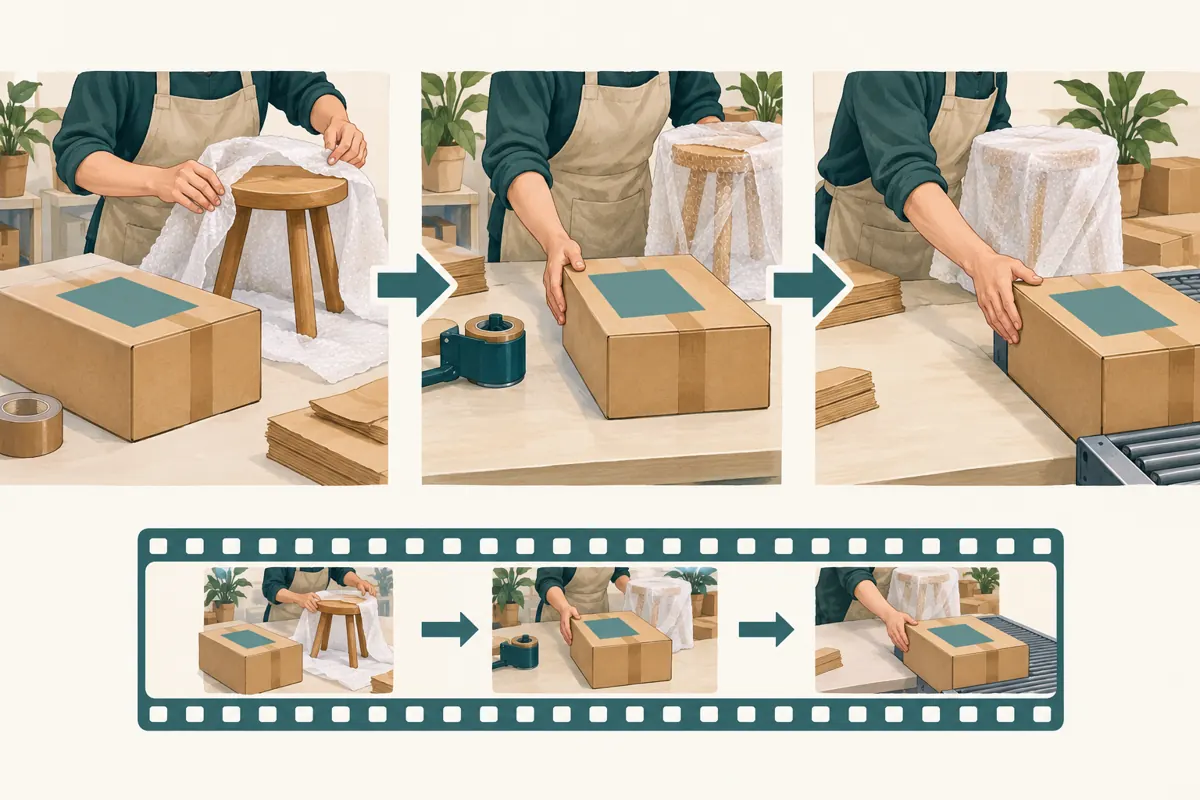
Review movement as a sequence. Begin before the carton enters the picture, continue through the turn and finish after it leaves. Pause where a hand crosses the label, the camera changes angle or the package briefly moves behind the stool. These transitions deserve attention because a check at the middle of the shot says nothing about its beginning or end. Look for exposed edges containing part of a name, number or identifying code.
In the hypothetical shop video, the first side of the carton is concealed successfully, but turning it reveals a second delivery sticker. That is a new review item, even though it belongs to the same parcel. Check the whole package rather than following only the first marked area. Also inspect whether the concealment remains effective when the video is paused and viewed larger. If information is still readable or inferable from the surrounding material, revise the edit or replace the shot.
6. Review sound and promotional assets separately
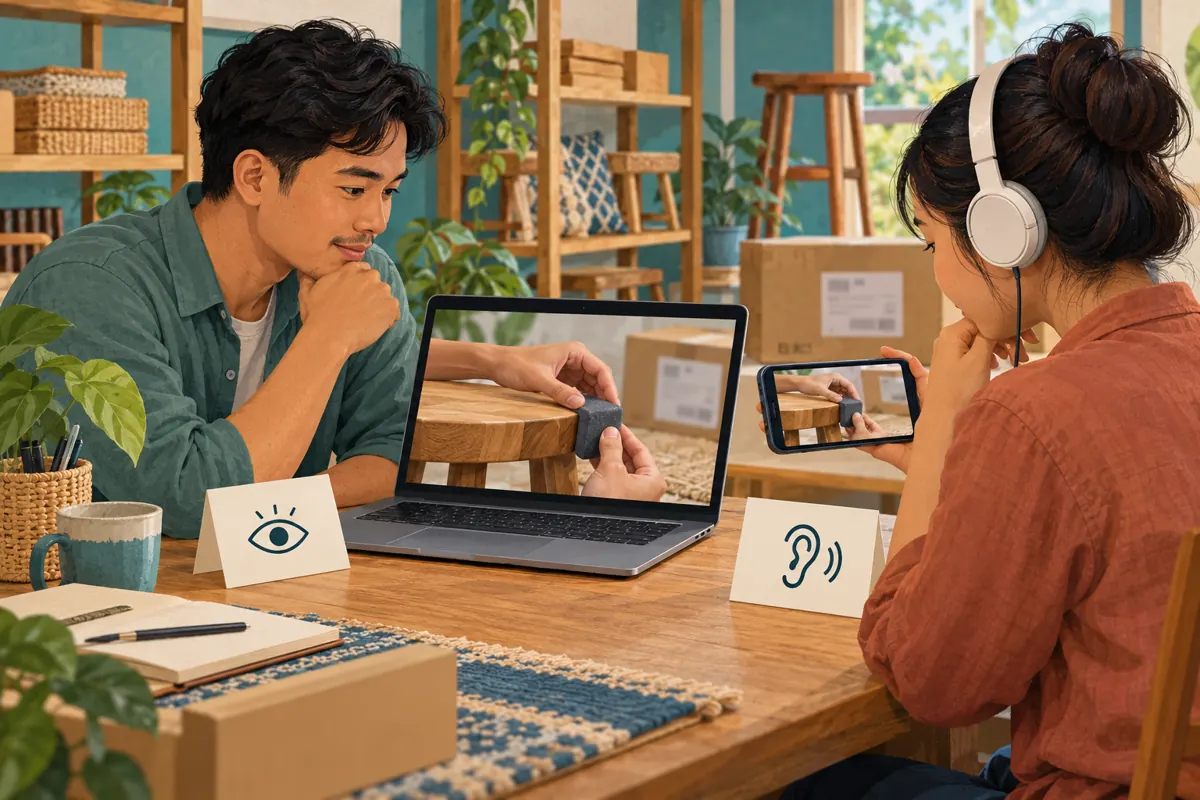
A blurred picture does not remove a spoken telephone number. Listen through headphones without looking at the screen, concentrating on background conversations as well as narration. For a Cambodian delivery business, informal directions may identify a household even without a formal street address. Keep the public narration about the packing method. Record a fresh explanation if the original conversation contains details that do not belong in a promotional video.
Check the thumbnail, captions, description and any short teaser prepared from the same recording. An address might be absent from the final video but visible in an earlier thumbnail export. A caption may repeat something that has since been removed from the soundtrack. Make a small inventory of the assets intended for publication and review each one. Do not assume that correcting the main video automatically corrects separately prepared copies, images or text.
7. Preview before saving and inspect the finished version
YouTube’s “Preview and review changes” guidance says to wait for the blur preview to refresh and play it before saving. It also states that Studio Editor cannot revert a saved video to its original, pre-edited state. Preserve an appropriately restricted source copy before making changes, and read the saving acknowledgements carefully. If the preview still exposes information or obscures the lesson, resolve that problem before confirming the edit.
After processing, review the video on its watch page, as YouTube recommends. Use both a larger display and the phone view customers are likely to encounter. Have a colleague answer two questions without coaching: what packing step did the video explain, and was any delivery information exposed? Record the reviewed version, date and remaining issues. Approval should refer to the actual finished asset, not merely to an editor’s message that the blur was added.
8. Put SMM-panel claims through a separate decision process
The supplied catalogue includes “YouTube Like ~ Max 5k ~ 5k/days ~ Instant ~ 𝐍𝐎 𝗥𝗘𝗙𝗜𝗟𝗟”. Its title identifies a likes offering, but the brief supplies no supporting description. Treat the title’s delivery wording as unverified catalogue claims. It does not establish Cambodian audience origin, genuine product interest, sales, advertising delivery or official YouTube affiliation. Nor does it tell the shop whether the packing demonstration is clear or the address is concealed.
YouTube’s fake engagement policy prohibits artificial increases in views, likes and other metrics, and says a hired promoter’s actions can affect the channel. Decline a proposed method that depends on artificial engagement. For this workflow, the useful purchasing decision may be to place no panel order. Direct available effort toward a clearer demonstration, an accurate enquiry route and distribution to people for whom the subject is relevant. Purchased engagement cannot validate the content or substitute for actual customer conversations.
9. Measure understanding through specific enquiries
Once the reviewed video is ready, share it where it answers an existing question. A staff member could send the link to someone asking how a stool is wrapped, with a short explanation of what the demonstration covers. Keep delivery destinations and order details in the appropriate private conversation. Do not ask customers to put their home address in public comments to obtain a quote.
Evaluate the questions that follow. Are viewers asking about protection for another furniture shape, whether wrapping is included, or how collection differs from delivery? Those questions can guide the next explanation. Record confirmed enquiries separately from orders, and orders separately from fulfilled deliveries. If a buyer says the video helped, record that as their reported experience rather than proof that the video caused every subsequent sale. A small number of relevant questions can reveal a useful content gap without requiring an inflated engagement count.
10. Prevent the same editing problem next time
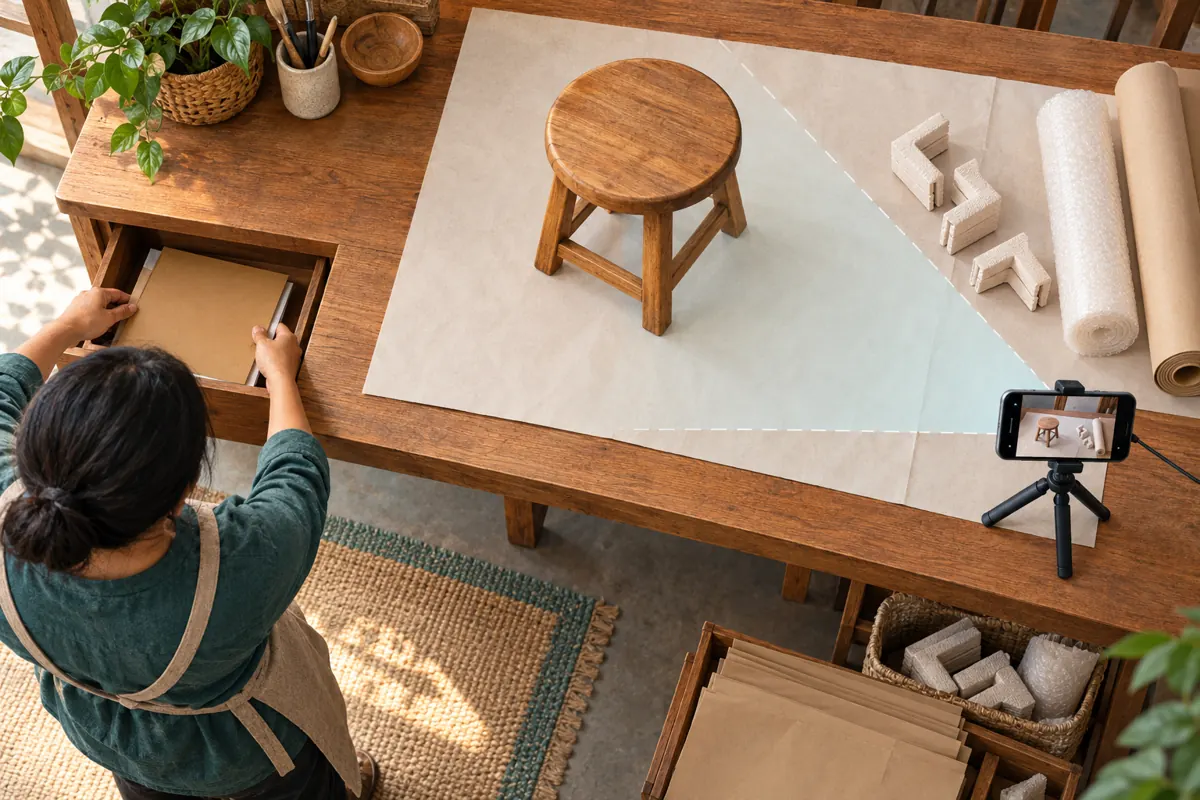
Prepare a filming area before bringing out the phone. Use a demonstration item and plain packaging, move dispatch paperwork away and check what sits behind the presenter. Apply real delivery labels after recording when the workflow allows. Give workers a simple recording cue so routine customer discussions do not become background audio. These changes reduce repeated editing work while keeping the demonstration representative of the shop’s actual packing method.
Common mistakes include checking only a still frame, overlooking the second side of a parcel, approving an unfinished preview and hiding so much of the item that the lesson becomes unclear. Another is treating a more popular-looking video as a better-reviewed video. Give each task a clear completion condition: private details concealed, useful action visible, spoken information appropriate and finished assets checked. The person arranging promotion should receive that completed review before preparing distribution.
Frequently asked questions
Is it enough to blur the customer’s name?
No. Review the information as a whole. A phone number, delivery instruction, identifying code or nearby document can expose details independently of the name. Conceal the complete sensitive area and check other appearances. If the surrounding scene still identifies the destination, replace the shot rather than relying on a small mask.
Should we keep a useful shot when the blur covers the packing step?
Only if the lesson remains understandable. Ask a colleague unfamiliar with the edit to explain the action shown. If they cannot see where the padding goes or how the wrap is secured, film that step again using plain packaging. Keeping the original footage is less important than providing a clear, appropriate demonstration.
Can we start promotion while the edit is processing?
Make the finished review a prerequisite for promotion. A submitted edit is not evidence that the version viewers encounter has passed inspection. Prepare the accompanying copy while waiting, but check the processed video and its related assets before sending new traffic to it. This avoids promoting a version the team has not actually reviewed.
How should we report a video that previously received purchased engagement?
Keep any known purchased activity separate from evidence of customer interest. Do not describe the resulting count as Cambodian buyers, satisfied customers or sales generated. Review the promotion method against YouTube’s policy and stop artificial engagement activity. Use documented enquiries, confirmed orders and customer-reported feedback for business assessment, while acknowledging uncertainty about attribution.
Explore the current service catalogue, create an account, or ask a specific question through support tickets.
- YouTube Help: Blur your videos
- YouTube Help: Preview and review changes
- YouTube Help: Fake engagement policy
Prepared with AI assistance. Illustrations explain the workflow and do not represent customer results.